
A fast-loading website is not just pleasant for the people using your site, it makes Google happy too. Google puts more and more weight on the speed of websites when it determines search engine rankings. So a superfast WordPress website also means a higher position for your site!
Measuring the speed of your website
But how do I know whether my website is fast enough or not? You need to answer that question first, before you start working on the code and images of your site yourself or have someone else do it. Online tools like GTMetrix or Google PageSpeed Insights show you right away what score your site gets and which points you can still improve. Here are five tips from us to get you started.

Tip 1: fast hosting
First check whether the server your site runs on is actually fast enough and whether the hosting is any good. Do not go straight for the cheapest hosting, because that can affect your site’s loading speed. Sometimes it is better to choose premium hosting or even to move to a server with more storage, processors and RAM. Good hosting is the first step toward a superfast website.
Tip 2: optimize images
Most people know that large images make a website slower. After all, the data of that large image has to be loaded in full. To make an image appear on a site, a separate HTTP request is needed for every image. You can reduce the number of HTTP requests by using so-called sprites, which collect several small images in one large image. Fewer images = fewer HTTP requests = a faster website. Another solution is to compress images. You may be thinking: but then the quality gets terrible, right? Certain tools such as Kraken.io reduce the file size while keeping the quality good. Also make sure you save your files in the right format, such as .jpg.
Tip 3: compress your code
When you build a website you are constantly dealing with code, for example HTML and CSS files. These are necessary for your site, but you can make them smaller. With HTML code, for instance, one option is to strip out unnecessary spaces and comments. Using too many plugins can slow your WordPress website down as well. Work out which plugins you really need and which you do not, because the ones you do not need load unnecessary code. A waste of your site’s speed.
Tip 4: use plugins for speed optimization
As we explained above, you should not go overboard with plugins, but a few of them can increase your website’s speed. We have listed a couple for you:

Shortpixel (a plugin for compressing images)

WP Rocket (this paid plugin comes as standard with every project we deliver) or WP Super Cache (this plugin is free to use)
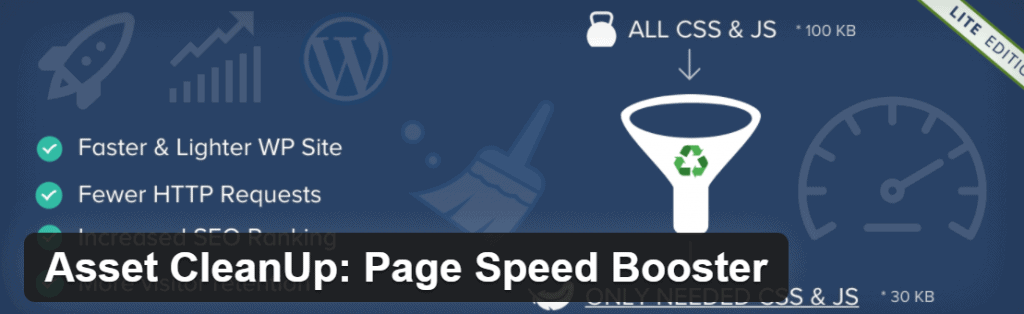
Asset Cleanup Manager (an advanced plugin, meant for reducing requests)
On top of that, do remove unused plugins! That is not only better for the speed of your WordPress site, but for its security too.
Tip 5: turn on caching
Put very simply, caching stores your site’s data so that it can be loaded faster. Applying caching lowers the bandwidth, the data the website transfers, which results in a faster site. The visitor’s browser saves the files of your site, such as the HTML or the images. That way not everything has to be loaded from scratch again and your site appears faster.
Want to make your website superfast too?
Are you thinking, after reading this blog: help, I have no idea how to do this. No worries! Get in touch with us. We would be glad to get to work and make your website superfast. Follow us on social media to stay up to date on more blogs and news!
- Facebook: https://www.facebook.com/jkcmedia.nl
- LinkedIn: https://www.linkedin.com/company/jkc-media
- Instagram: https://www.instagram.com/jkc_media/
Rather hand it off? See how we help with WordPress maintenance and support and having a website built.
More articles
- 5 tips for generating leads on your website 19 July 2023
- Content for your website: 5 tips for better online results 13 December 2022
- What does a website cost? More about prices, tips and options 1 July 2024