
Setting up a website involves more than hiring a web developer. A website builder can move a lot of things forward for you, but it is still smart to prepare a few things before the collaboration starts. We explain how to arrive well prepared at a developer or internet agency.
Checklist: 8 preparations
Once you have decided to join forces with a web developer or internet agency to set up a website, having a foundation in place is a good step. A website builder can certainly help you further if you have not yet thought about certain things or are unsure. But if you already have the basic outlines sorted out, setting up your new website will go a lot faster. The following preparations help you lay the right foundation.
1. Define the goal of your website
What do you want your website to do? Sell products, provide information or entertain visitors? You also need to work out who your target audience is and what you solve for them.
2. Think about a design
Recognizability is an important part of your branding. What does your visual identity look like? Which colors, typography and imagery characterize your company? Have you already thought about a logo? Do not worry, we are flooding you with questions right now. You really do not need to have all of this sorted out yet. But a moodboard, for example, in which you test different colors and fonts, already helps you move forward. Advising on the design and setting it up are also part of the web developer’s job: you are definitely not on your own.
3. Create personas
To be clear in your own mind about exactly who your customers are, creating personas is good preparation when setting up your website. A persona is a detailed and precise description of a user of your service or product. This invented person represents your entire target audience, as it were. That way you can work out which problems and questions your audience is dealing with. You can also hold the personas up against your website later to see whether the different types of customers within your audience feel addressed.
4. Determine the structure
Website visitors need to be able to find their way around your website easily. As soon as it becomes hard to reach important pages, they often close your site right away. So when you set up a website, structure matters. Go through these questions:
- Which sections and pages do you have?
- Which pages are the most important ones (these go in the menu and the footer)?
- Which features do you want to see (newsletter signup, multilingual support, a login function, etc.)?
You also send visitors on to other pages and sections of your website with calls to action. Examples are: ‘Request a quote now’, ‘Read more about…’ and ‘Order now’. These buttons of course link through to the right page, where visitors can carry out the action straight away.
5. Select the right domain name
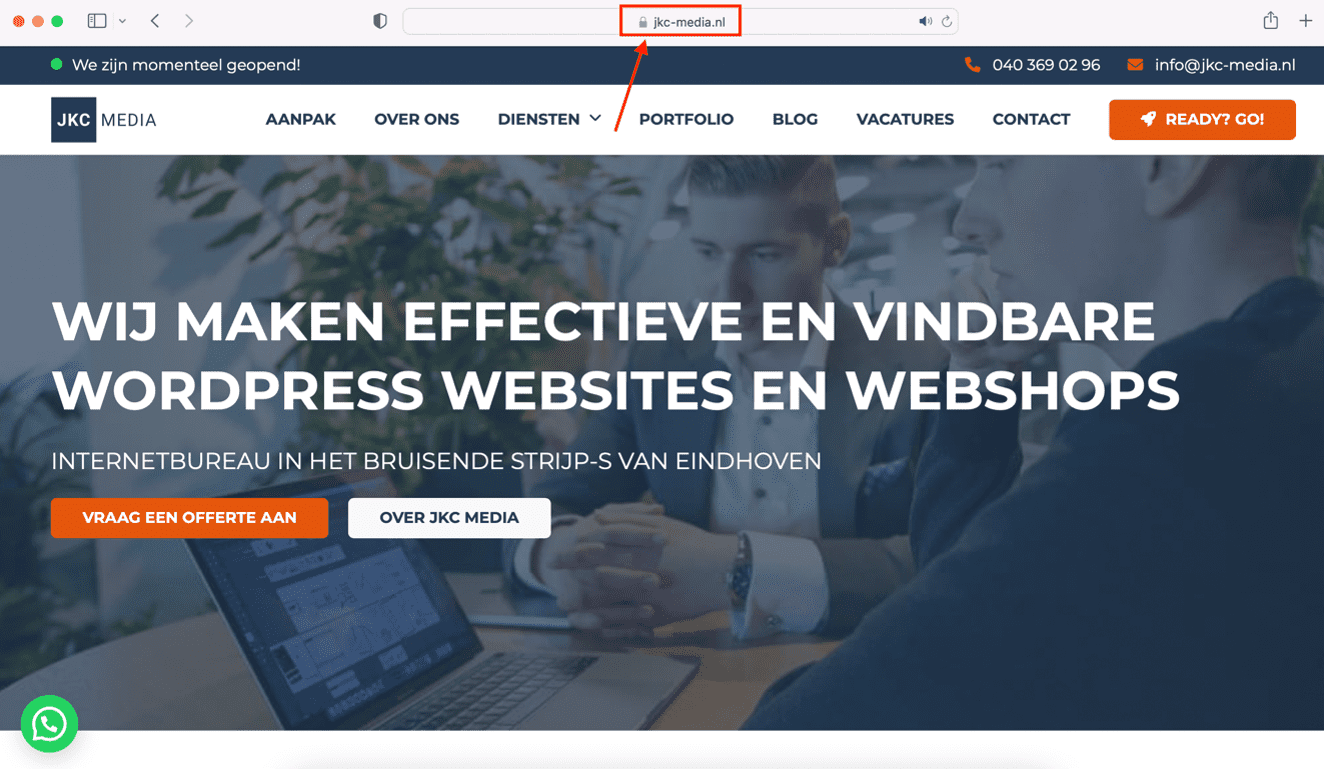
Your domain name is the unique address of your website on the internet. Choose a domain name that is easy to remember, so visitors can find you easily online. What makes a good name? A short name is often handy, as is one that is easy to pronounce. You can also work an important keyword into it, or come up with a very creative name that sets you apart from competitors. Curious whether a domain name is already taken? Check it through SIDN or Who.is, for example.
Is your target audience mainly in the Netherlands? Then a domain name ending in .nl is a good option. Do you operate internationally, or is the .nl name already taken? Then .com is a possibility too.
6. Make sure you have content
Besides the look of your website, the content of the site is just as important. When you set up a website, you think about the content you want to put on it. Think of text, images, infographics, videos, etc. With a template you can easily pick examples of what the layout could look like. And what exactly do you want to say? Which tone of voice will you use? Always keep your customers in mind and write for them. You write about the solution to the problems and questions of potential customers. It is tempting to write down what you do for customers, but choose a tone along the lines of ‘for you we can’. That way you come across as less pushy and you still give visitors the freedom to decide exactly what they need from you.
So how do you write a good text? We are happy to share a few short tips:
- Make sure the spelling is correct
- Pay attention to a clear layout with paragraphs and subheadings
- Let your company come through in the content
- Mind the SEO so you are easy to find
Do you find it hard to write SEO-optimized copy for your site? JKC Media does not just build your website, we also write the content. Read more about having content written.
7. Do keyword research
Your website does need to be found, of course. And that is where the right keywords come in. Decide which words you want web visitors to use to find your site. There are various (free) tools you can use for this. Think of the Google Ads keyword planner or Ubersuggest. In Google itself you will also find plenty of keyword suggestions when you look at the bottom of the page after a search. Pay close attention to so-called long-tail and short-tail keywords. Read more about selecting the right keywords in our blog. Then work your selected keywords into the content on the website: in the body text, headings, meta titles and meta descriptions, etc.
8. Think about the legal side (GDPR, etc.)
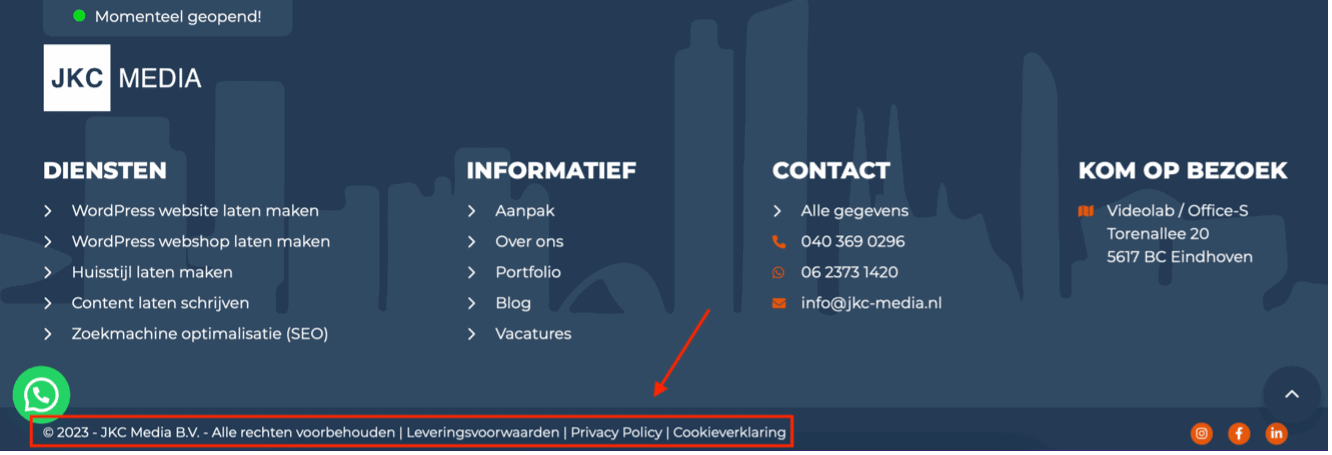
Privacy statements, cookie notices, terms and conditions, the GDPR: setting up a website comes with legal aspects. European legislation includes rules on protecting privacy. Web developers will help you with this, but if you already have the documents at hand, setting up your site goes a lot faster. For instance, you may need to show a cookie notice if you use trackers on your website.
Need help setting up a website?
Want to work with our internet agency? JKC Media develops a professional and profitable website for you. Besides web development, you can call on us for having content written or designing a visual identity.
I need help with my website.
Rather hand it off? See how we help with having a website built and a digital strategy.