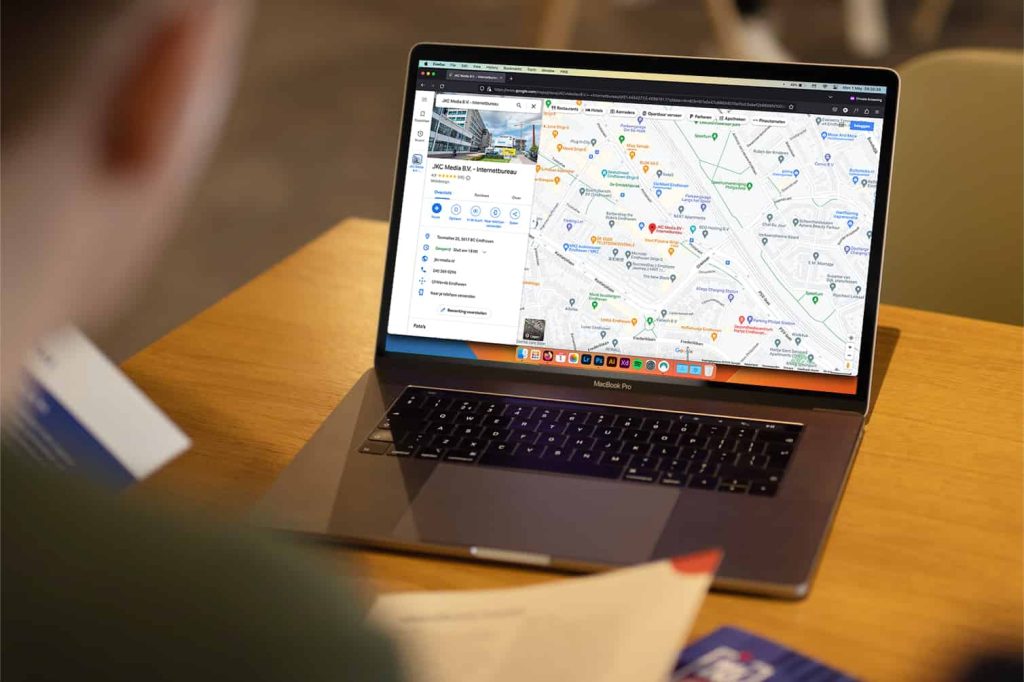
Being visible online is essential for every business today, and a Google Maps listing plays a part in local findability. We explain how to add your business to Google Maps and what else to watch out for.
The benefits of having your business on Google Maps
You add your business to Google Maps with a Google Business Profile (formerly Google My Business). This is a free tool. With a business profile you show information about your company on Google. Think of your address, opening hours, contact details, reviews and frequently asked questions. It also adds your business to Google Maps, which is a boost for your local findability. On top of that, it makes collecting reviews through Google Maps easy.
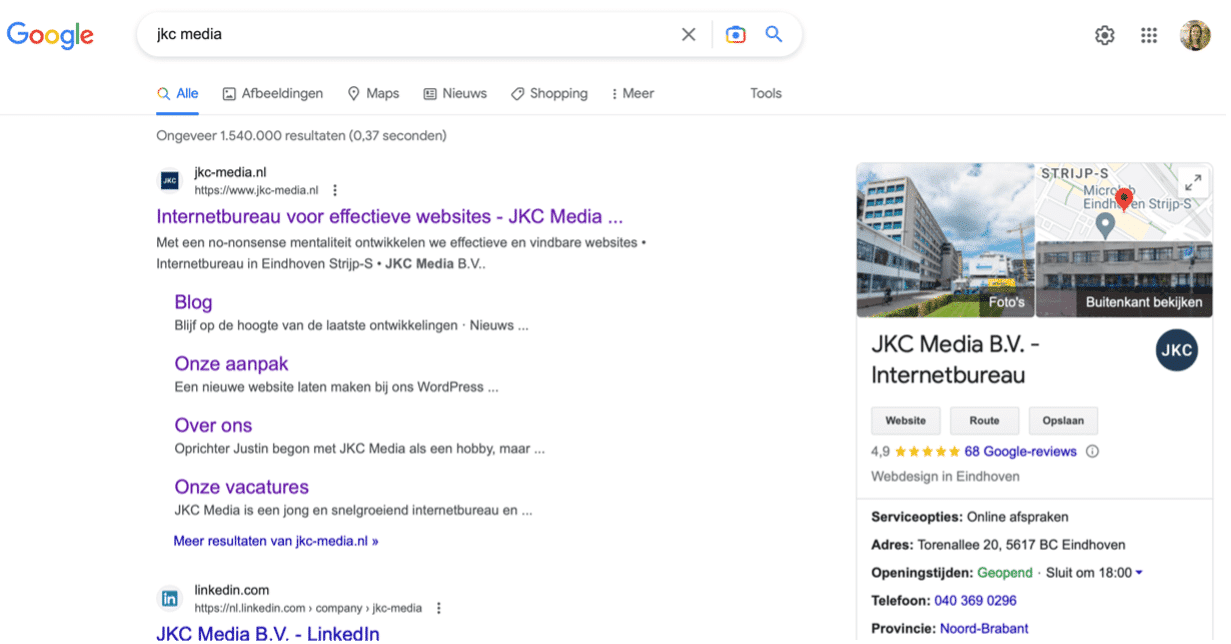
Google My Business is now called Google Business Profile. Read more about the benefits of Google My Business/Google Business Profile.
Want to check whether your business is on Google Maps? Go to Google Maps or the app and enter your company name. That immediately shows you whether your business is listed or not.

How do you get your business on Google Maps?
Cannot find your company? Then you still need to add your business to Google Maps. Fortunately that is not hard. On a computer, here is how:
- Go to Google Maps (and sign in with your Google account)
- There are three ways to add your business: 1) Search for the address in the search bar. Then click ‘add your business’ in the business profile on the left 2) Right click on the map. Click ‘add your business 3) Click the menu at the top left (three horizontal lines) and click ‘add your business’
- Follow the instructions
Is your business already on Google Maps but you have not claimed it yet? Here is how you do that (on a computer):
- Open Google Maps
- Search for your company name
- Click ‘claim this business’ and then ‘manage now’
- Pick a verification option and follow the steps
You can also add your business to Google Maps from your Android phone, iPhone or iPad. You can read how to do that here.
My business is not visible on Google Maps
There can be several reasons why your business is not visible on Google Maps.
- Your business has not been registered (correctly) yet on Google Maps.
- Google Maps uses GPS to show nearby businesses. If someone in Rotterdam searches for a hairdresser but your salon is in Eindhoven, you will not be shown. When someone searches near your business, the chance that your company appears is much higher.
- Google looks at the relevance of businesses. Factors that play a role are the distance between the searcher and your company’s location, how relevant the search query is, and prominence (which depends on things like how well known your brand is, how your website performs in Google, and the number and quality of your reviews). If you zoom in further on Maps, your business will show up as long as it has been added properly.
Not managing to get your business onto Google Maps? Or do you have no idea how to do it? We are here for you and will have your company on Maps in no time.
Extra tips for adding your business to Google Maps:
- Use the keywords you want to be found for in the title description and text of your business. That is good for your findability and SEO.
- Fill in all the details in your Google Business Profile. Also select the right service categories, so you show up for the right keywords.
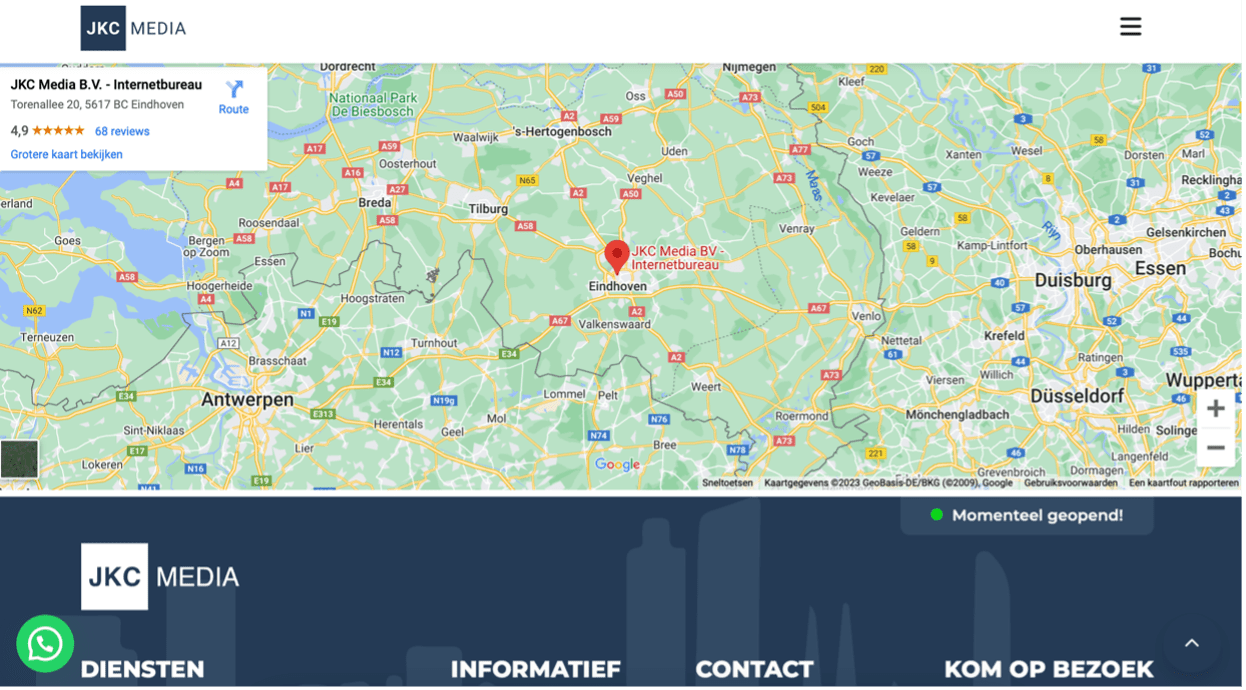
- Include your business location on your website through Google Maps. Show it on your contact page, for example.
- Create a review link so customers can easily write reviews specifically for your business. Reviews also strengthen your position, which makes it more likely that you appear higher in searches through Google Maps. This, for example, is the link to our review page.
Need help with Google Maps and more?
JKC Media helps you get your business on Google Maps, along with everything else around your website. Get in touch with no obligation: we would love to hear from you!
Rather hand it off? See how we help with SEO and findability in Google and AI and having a website built.