Your computer
This is really the basics, yet it turns out some people still have not done it. Install an antivirus program. Above all for Windows computers, but on an Apple computer it is certainly not a bad choice either.
Take a look at the free antivirus program ‘Avast!’ for Windows & Mac >
Also make sure your other software and your operating system are fully up to date. That way you keep the security of this software up to date as well, so no ‘leaks’ can open up in your computer for hackers. (A secure computer is really the foundation of the security tips for freelancers and SMEs, so make sure this is sorted out properly before you move on to the other tips.)

Secure email (SSL)
Not something every email user takes for granted yet. But do make sure your email is secured with an SSL connection. This encrypts messages so they cannot simply be read by hackers who want to break into your company. You can usually see in your email settings whether the SSL connection is switched on. Note that not every provider supports SSL by default, so ask your own provider for more information about whether your email is secured with SSL.
JKC Media clients get SSL-secured email as standard. Are you a JKC Media client? Then there is nothing left for you to do here
On top of that, it is important to look carefully at attachments you receive by email. You really need to be very careful with subject lines such as ‘claim your free $100.000 now’ or ‘you have won the $10 million dollar lottery’. You should also be careful about opening .zip attachments and Word documents. These days Word documents can carry a virus too. In short: secure your email with an SSL connection, be careful with suspicious emails and be careful about opening (suspicious) attachments.
Secure website
Your website has to be properly secured as well, of course. Chances are you have something like a contact form on your website, where visitors can send you their details. That is why this needs to be properly secured too. Fortunately, securing your website with an SSL certificate is not all that hard in 2018. With the ‘Let’s Encrypt’ project you can even do it completely free of charge.
Are you already a JKC Media client? Then this has been taken care of for you as standard and you do not have to think about it. It is also important to secure your CMS (for example WordPress, Drupal and so on) properly. Install a security plugin, for instance, and be careful with your login details for the website dashboard.
It is also important to look at the other plugins you have installed: are they up to date (so they cannot cause any leaks) and are they trustworthy (good reviews, many installations and frequent updates)? If that is not the case, you should ask yourself whether that specific plugin is worth using or whether there is an alternative that does meet these requirements. In short: install an SSL certificate on your website and, if you use a CMS, handle your login details with care, do not install poor or outdated plugins and install a security plugin.
Software on your computer
Make sure all the software on your computer was obtained through official channels and that you do not put illegal downloads on your computer. Even if it seems so harmless to watch your film through Popcorn Time instead of Netflix, for example. It can bring along spyware and malware that is just as ‘harmless’.
So even if it costs some money, make sure the software you use (especially the software for your business) has all been obtained officially and is fully up to date.
In short: only download official software from the author or authors
2FA
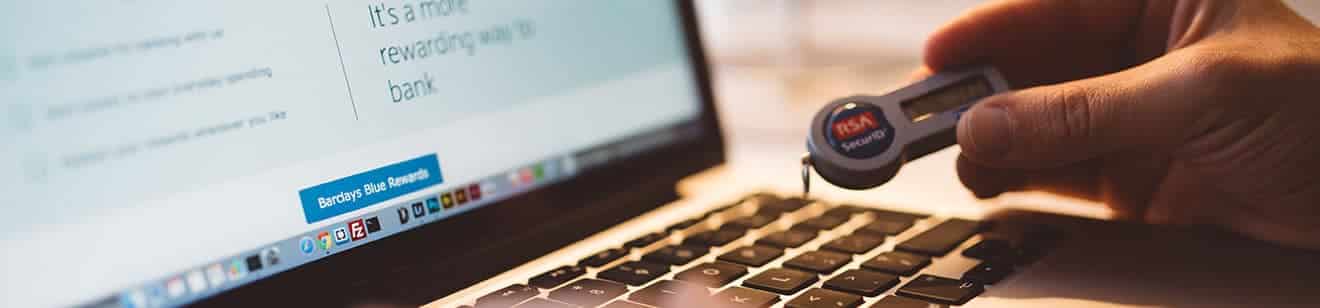
2FA, also known as two-factor authentication. Most online cloud services (where you most likely store data about customers and clients) offer 2FA. So, for example, when you want to log in to your account you have to read a code from your phone, one that changes every so many seconds or minutes. That gives you much better protection against hackers who may already have cracked your password but still cannot get any further because they need a temporary code. In short: try to switch on 2FA for as many services as possible
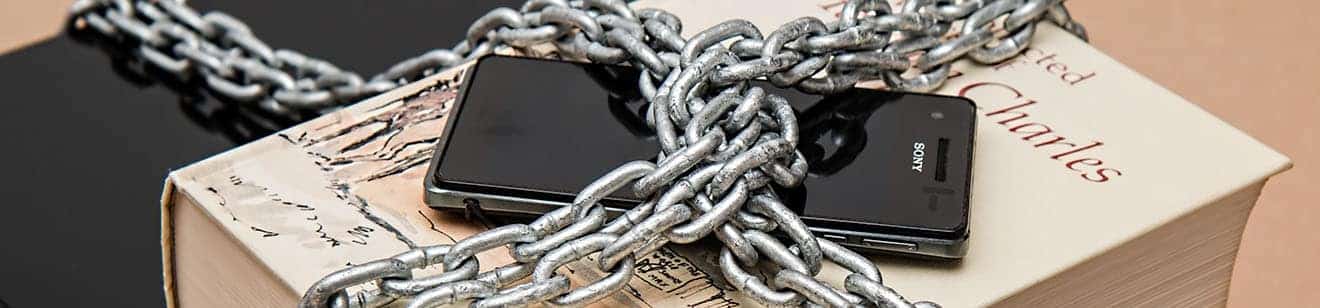
Conclusion: security tips for freelancers and SMEs
For most entrepreneurs there are certainly still things to do to improve the security of personal data and other information. Do you have any additional security tips for freelancers and SMEs? Let us know in the comments!
Rather hand it off? See how we help with WordPress maintenance and support.
More articles
- Google AI Mode: what it means for you 20 October 2026
- Optimise your webshop for Q4 8 October 2026
- WordPress 7: what is new and what to check 29 September 2026